
Getting Collingsworth County Court Records
Ask the right office first. District Clerk Jackie Johnson keeps the 100th District Court's files. They cover district civil, family, felony criminal, and juvenile matters. County Clerk Jackie Johnson holds the constitutional County Court's files. Those cover civil, misdemeanor criminal, probate, and county-level records. The countywide Justice of the Peace courts and Wellington Municipal Court each keep their own records. A broad request sent to the wrong office only slows things down.
- Identify the court and cause number from the docket or court paper.
- Define the item: docket register, pleading, order, judgment, exhibit, or copy.
- Search re:SearchTX for available online data.
- Contact the proper clerk by phone or at the counter when the item is absent.
- Ask whether mail, fax, or email is accepted and confirm fees and delivery.
Collingsworth County publishes no public search form, public terminal promise, or county record-order form. The clerk pages list contact channels but do not promise that every channel accepts orders. Confirm the method before you send private data or payment.
Two Collingsworth Clerk Roles
One person holds both clerk titles. The official County Clerk and District Clerk pages both list Jackie Johnson, yet the legal functions stay separate. A request naming only her is not enough. Say whether the record belongs to Collingsworth County Court or the 100th District Court, because that choice routes the file.
| Office | Main court files | Starting point |
|---|---|---|
| District Clerk | District civil, family, felony, juvenile | 100th District Court |
| County Clerk | County civil, misdemeanor, probate | Collingsworth County Court |
| JP office | JP civil and fine-only matters | Countywide Justice of the Peace |
| Municipal court | City ordinance and municipal citations | Wellington Municipal Court |
That detail saves time. It also helps the clerk tell a court-file request apart from a county recording request.
Collingsworth Court Record Types
A Collingsworth County court file usually holds more than the docket sheet. The register gives a short event history. The filed papers carry the substance behind those entries, subject to access law and court orders.
- Docket or register entries and case metadata
- Pleadings, motions, responses, notices, citations, and returns
- Orders, judgments, decrees, and writs
- Exhibits and attachments, when public
- Hearing and setting information
- Probate, family, or juvenile papers subject to restrictions
Not everything fits the court docket category. Administrative judicial records under Rule 12 sit in a separate class. Recorded deeds and other Official Public Records are distinct from court documents too. A judgment may later be recorded. But the recording index still is not the court docket.
Specific Collingsworth Record Requests
The county offers no current request form. A precise written request still gives the clerk what she needs to locate and price the record. Name the court first. Add the exact cause number, the record type, a narrow date range, the document title, and the copy type. Add a response channel and preferred delivery method.
Skip the ask for "everything" when one order or docket entry will answer the need. Ask whether redaction applies. Ask whether inspection is available. Also ask which legal basis controls any withheld part. Without the cause number, give only the narrow search clues the clerk requests.
Note: Confirm whether fax, email, mail, or a public terminal works. Do not rely on any channel the county pages do not promise.
Inside a Collingsworth Court Record
Exact fields vary from file to file. The inventory below lists the kinds of data used to identify and read a Collingsworth County court record. It does not promise that each field appears online.
| Cause number | The court’s strongest identifier. |
|---|---|
| Court | The County, District, JP, or municipal forum. |
| Filing date | When the case or document entered. |
| Docket entry | A brief event description. |
| Motion | A request for court action, not proof it was granted. |
| Order | The judge’s written direction. |
| Judgment | An adjudicative result distinct from a docket note. |
| Setting | A scheduled event whose status can change. |
When the exact ruling matters, read the filed order itself. A docket note helps with chronology, but it may not state every condition or reason behind the court's action.
Collingsworth Records Counter
The County Clerk page gives the documented local access point. It shows the office contact information used for Collingsworth County court records.
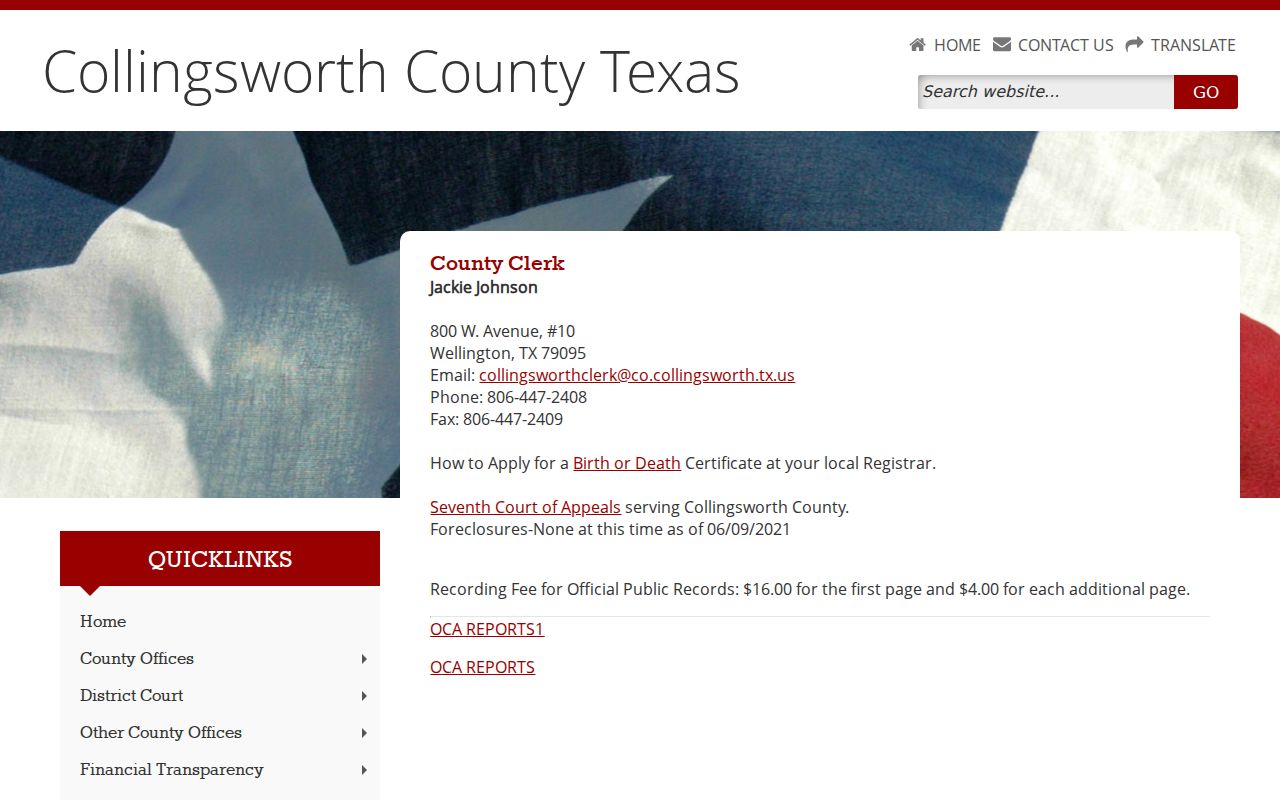
Treat it as a contact page, not a case database. The requester must ask the clerk how to inspect or order the specific file.
County and District Clerk
Jackie Johnson
800 W. Avenue, Box 10
Wellington, TX 79095
806-447-2408
Fax: 806-447-2409
collingsworthclerk@co.collingsworth.tx.us
Say District Clerk for district files and County Clerk for County Court files. Before submitting, ask about current hours, payment, postage, identification, certification, and pickup.
Fees and Certified Copies
Collingsworth posts no official current fee schedule for a plain court-file copy, certified copy, authentication, search, or electronic document. Know the difference when you order. A certified copy carries the clerk's authentication. An uncertified copy is just an ordinary reproduction. Tell the clerk which one you need, since processing and price can differ.
| Item | Published amount | Use |
|---|---|---|
| Plain court-file copy | Not located | Ask responsible clerk |
| Certified court copy | Not located | Ask about certification |
| Search or electronic fee | Not located | Confirm before order |
| Official Public Records recording | $16 first page; $4 each added page | Recording, not a court-copy fee |
Do not quote the posted $16 and $4 amounts as the price of a docket sheet or judgment. Those sums cover recording in Official Public Records, a separate service.
Statewide Collingsworth Document Access
re:SearchTX holds a large statewide collection. Yet document access still depends on local integration, record type, account access, and public-access rules. The state's 2024 data report described about 150 million documents. Those exclude criminal case records, with cases dating back to 2016. Scale does not prove completeness. That statewide size says nothing about whether one Collingsworth file is whole.
The eFileTexas terms say portal information should be checked against the official court record. Keep the roles straight. eFileTexas is the filing system. re:SearchTX is the search and document layer. Collingsworth is marked Search Limited, so the courthouse counter remains an essential correction point.
If a case appears but an attachment does not, request that specific public document. Do not assume the clerk lacks it. Do not assume it is sealed until the custodian explains the status.
Rule 12 and Case Files
Texas Rule of Judicial Administration 12 governs judicial records as that rule defines them. To get such a record, send a written request to the custodian. Describe what you want clearly. One thing the rule does not do. It never makes the OCA the custodian of every pleading, judgment, or docket entry out there.
For a case file, the court clerk is your starting point. A judicial-record request on the administrative side works better when it names the custodian and office. It should state the subject, give a date range, and say whether you want to inspect or copy. Rule 12 sets the deadline plainly. The response must come as soon as practicable, and no later than 14 days after receipt, unless an exception applies.
Court files are not ordinary agency paperwork. The judiciary provision of the Texas Public Information Act keeps them on a separate track. So read the applicable rules, statutes, and orders together.
Sealed Collingsworth Court Records
Not every page in a Collingsworth County court file is open to the public. Juvenile records fall under Family Code Chapter 58 and can stay confidential. Family cases often hold protected details, while criminal records can be limited by expunction or nondisclosure and civil records by a sealing order.
Ask for the public portion and the legal basis for any redaction or withholding. Never try to work around a court access control.
A file missing from an online docket has several possible explanations. It may be unintegrated, unindexed, restricted, or simply not exist. None of that proves sealing. When the docket shows but the attachments do not, ask the responsible clerk which items you may inspect. Ask what review process governs them. The related Collingsworth County case lookup helps you pin down the court and cause number before you make a focused document request.